Your TV can run the show.
Quiz nights, song requests, match days, menus and welcomes, in your brand, on the TVs you already have. Your staff change it from their phone.
No card · No contract · Works on any smart TV
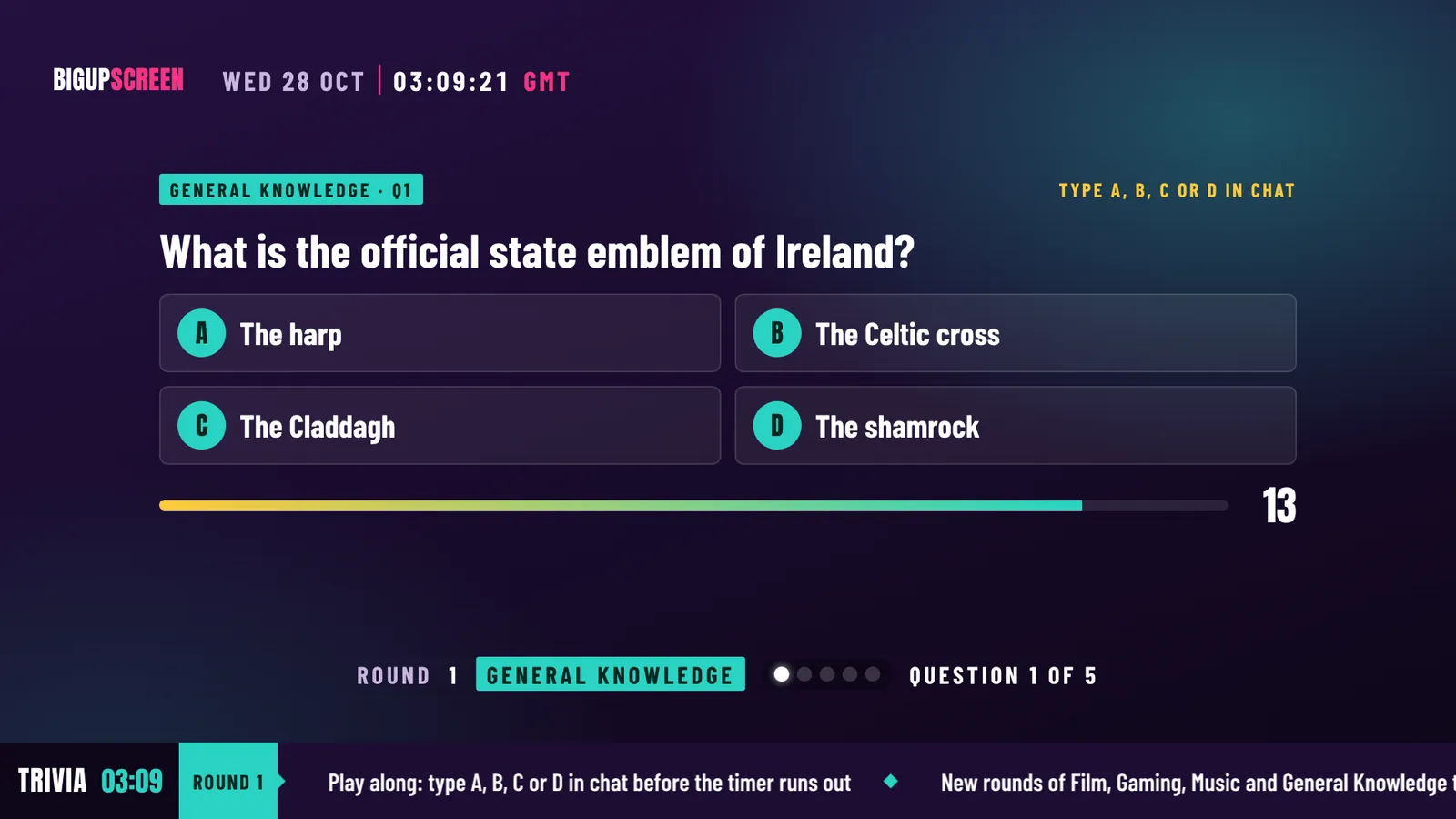
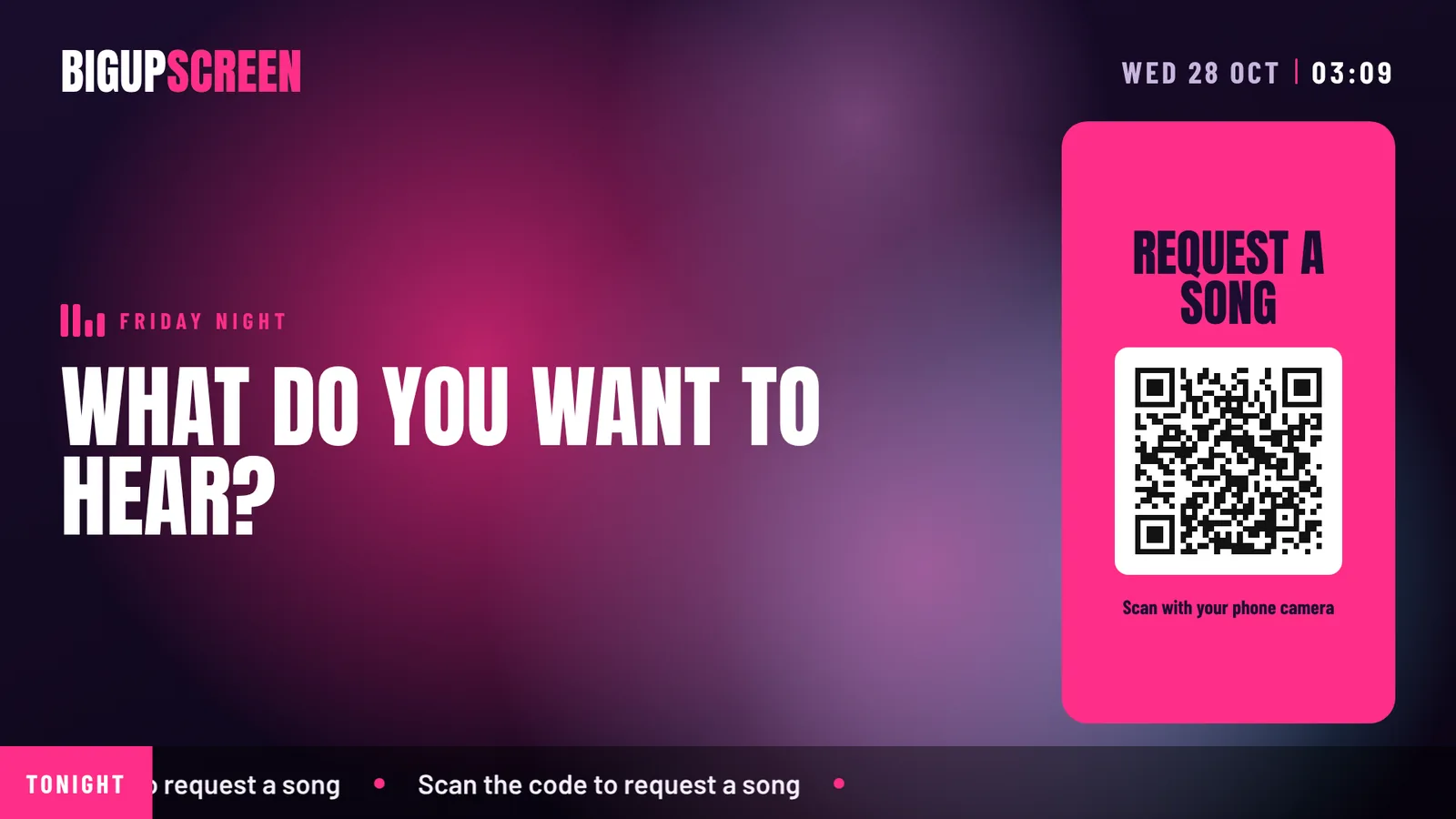
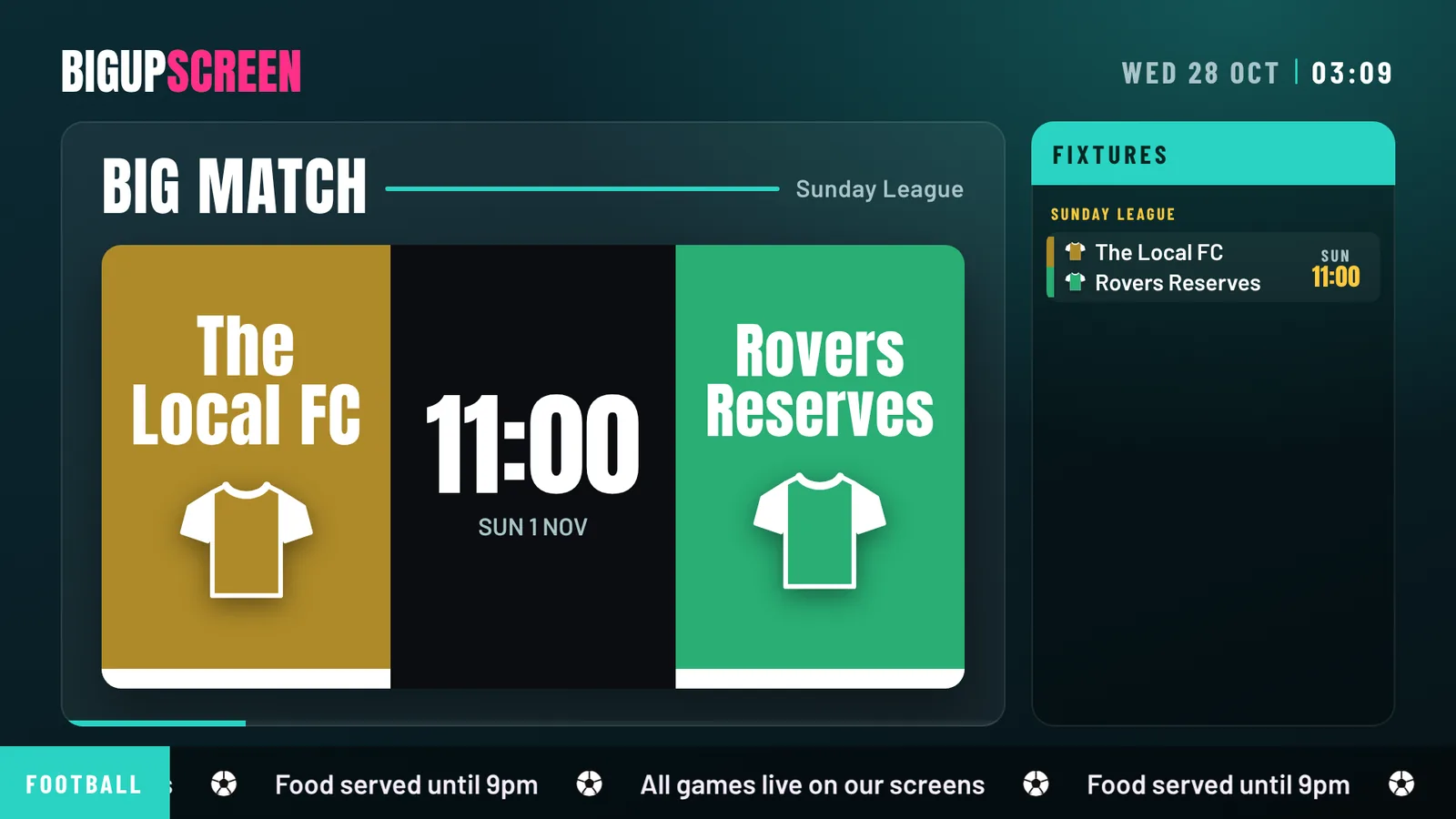
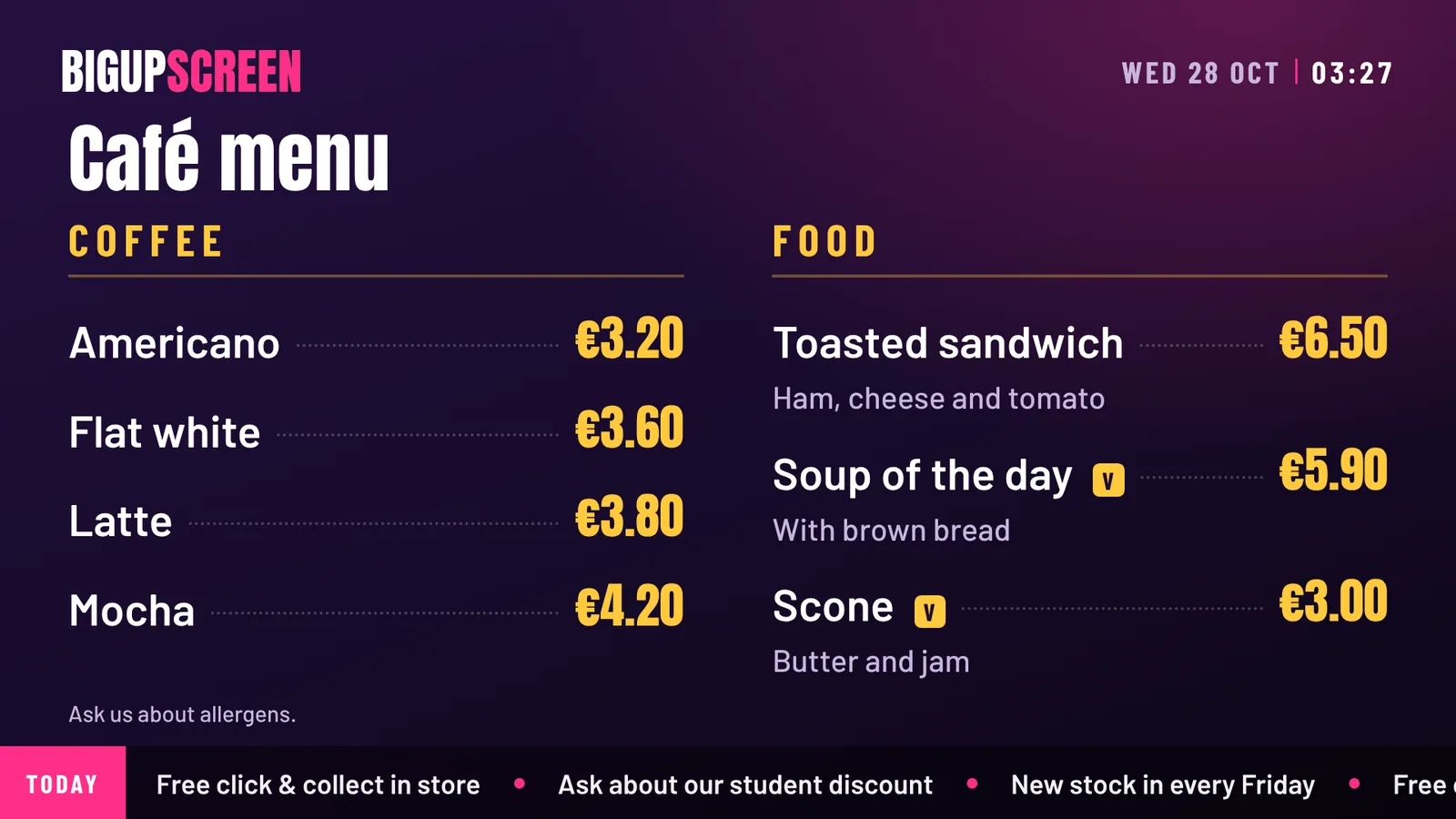
One login.
Every TV in the room.
Six shows cover the whole night: quizzes, music, match days, menus, welcomes and streams. Each comes in your colours and logo, plays on any smart TV, and runs by itself or from your staff’s phones.
Swipe to see all six →
Tap your phone.
Every TV changes.
Give each member of staff their own login at bigupscreen.com/staff. They see only the shows you pick, and every change is logged with their name.
- GOAL and half time, from behind the bar
- Happy hour on now, wings sold out
- A room running late, a session moved
- An urgent message on every TV, in seconds
- Start the quiz, approve names, give out prizes
What’s your place?
Match at half 7.
A quiz the whole room plays, the match with goals called from the bar, and happy hour on every TV.
One TV. The whole night.
The same TV, from happy hour to closing. A schedule changes the show by itself, and your staff can change it from behind the bar.
Your look. Your times.
On the TV tonight.
Get your account
During the beta we set it up for you. Sign in on your phone or computer.
Get your account
Sign up with your email, tell us about your place, and we’ll approve you.
Pick your shows
Choose a show and a look, add your words, prices and pictures. Your brand goes on everything.
Put it on any TV
Type a short code on the TV, or open its link. Publish from your phone and every TV changes.
Already on TVs in Dublin.
“Venue quote goes here.”
Simple prices, no contracts
Try it free for a week, then pick the plan that fits. Prices exclude VAT.
| Feature | Free trial €0 for 7 days |
Plus €14/month |
Pro Our pick €29/month |
Venue €59/month |
|---|---|---|---|---|
| Shows | 1 | 2 | 5 | 15 |
| Quiz packs and content requests a month | 1 to try | 4 | 8 | 20 |
| Space for pictures and music | 50 MB | 500 MB | 1 GB | 5 GB |
| Ready-made rounds from the question bank | Yes | Yes | Yes | Yes |
| Questions per round in each game | 5 | 10 | 15 | 20 |
| Your own name or logo on screen | No | Yes | Yes | Yes |
| Priority support | No | No | No | Yes |
| Try freeRegister free | Choose PlusContact us | Choose ProContact us | Choose VenueContact us |
A pack is a full quiz night on your theme, or content for a show: news and facts, film facts and trivia, or a countdown. Packs reset on the 1st. A pack can take up to 24 hours, but most are ready much sooner, and if we can’t make it you get the pack back.
Need more? An extra show is €6 a month, and an extra pack is €12.
Everyone starts with a free week. To keep going, choose a plan on your account page and we’ll set it up and send you an invoice. Card payment on the site is coming soon. If you don’t choose a plan, your shows pause after 7 days and your work is kept.
Try it free for a week
Create your free accountOne show free for 7 days, then choose a plan if you love it.
- Go to www.bigupscreen.com/app
- Enter your email and choose a password
- Tell us your name and your venue
- Once we approve you, your quiz show is ready and your free week starts
Put your TV to work.
Tell us about your venueThe beta is open to a small number of venues, hotels and offices. We set it up for you.
Questions people ask.
Can’t see yours? The help centre has a guide and a how-to video for every show.
Do I need any special equipment?
No. Anything with a web browser works: a smart TV, a streaming stick with a browser, a laptop plugged into the TV over HDMI, or a projector.
What is the staff app?
A page your staff open on their phone at bigupscreen.com/staff. With their own login they can run the quiz, put an offer on now, call a goal, say a room is running late, or put an urgent message on every TV. You pick what each login can do, and every change is logged with their name.
Which shows come with my package?
Not every show comes in every package. Tell us what your place needs and we’ll set you up with the right shows, and how many can play at once. You can add more any time.
Can I use it on Twitch, YouTube or TikTok?
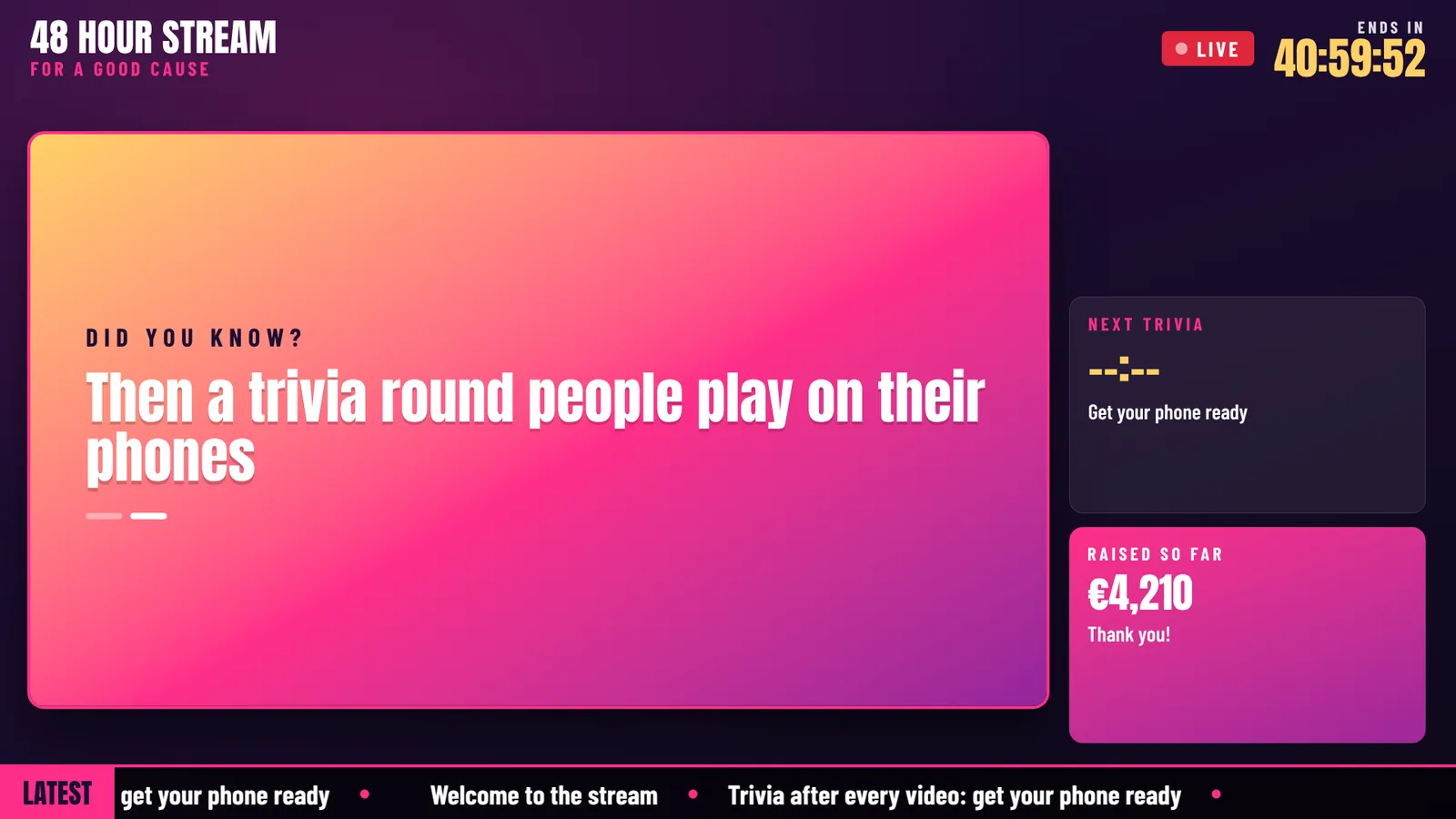
Yes. Add your show’s link to your streaming software as a browser source. Use the 16:9 layout for Twitch and YouTube and the 9:16 layout for TikTok and Reels.
Does it work for events and weddings?
Yes. Welcome Desk has Event day pages: now and next in every room, the whole day at a glance, or a wedding running order with your photo. Staff can mark a room running late from their phone. We also have shows for gyms and cinemas: ask us.
Does it work for offices, hotels and receptions?
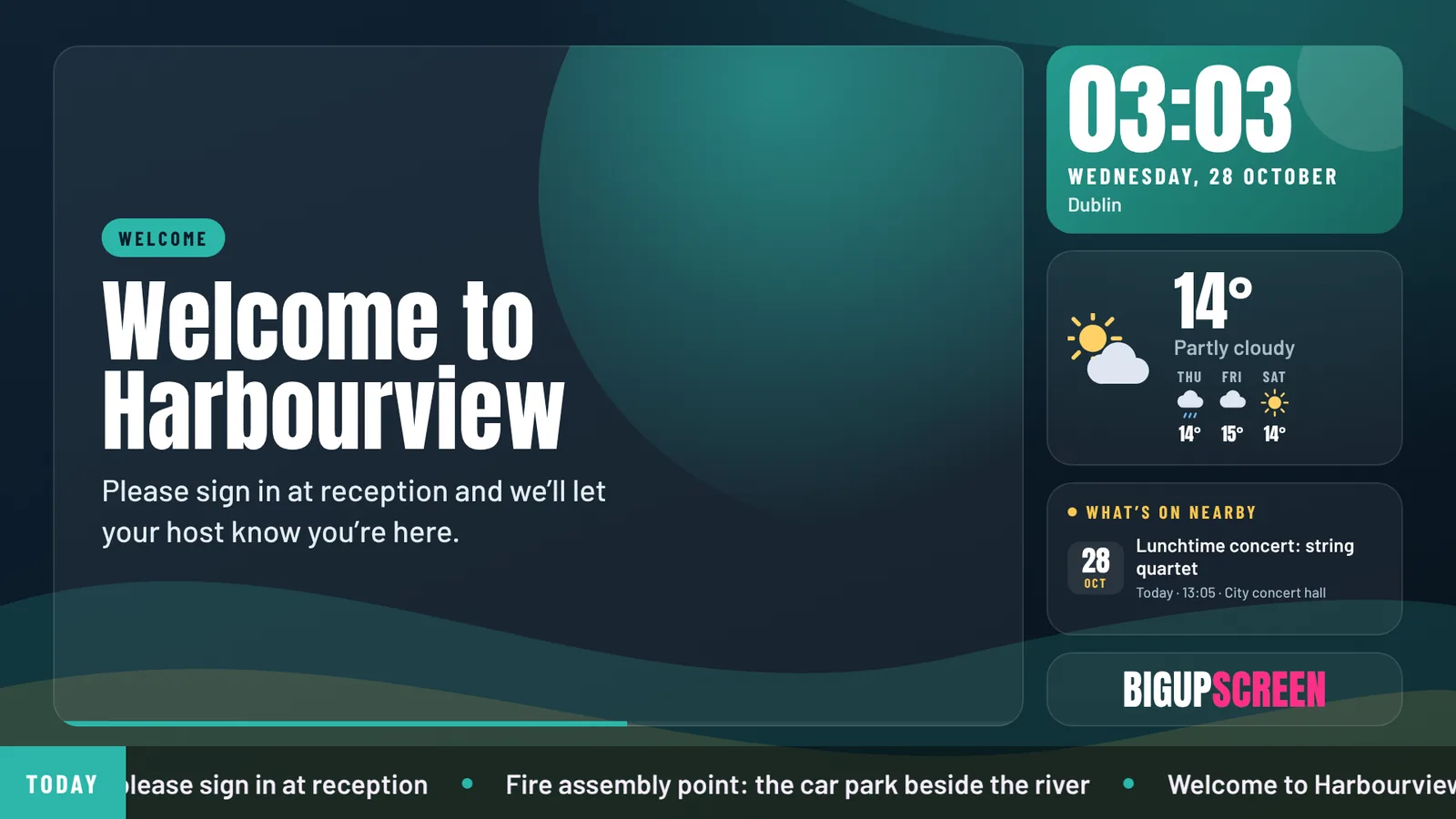
Yes. Welcome Desk welcomes visitors and guests, shows the lunch menu, company news, birthdays and new starters, guest Wi-Fi, the day’s agenda, pictures and YouTube videos. The time, the local weather and upcoming events in your city sit alongside, in your own colours. Paste the week’s lunch menu from a spreadsheet, or type it in each morning.
Can one TV show different things through the day?
Yes. A schedule gives the TV one link that switches show by day and time: the lunch menu at midday, offers in the afternoon, the quiz at night. Set it once and nobody has to touch the TV.
Can it show our Google reviews?
Yes. Add a Reviews slide to Grub’s Up (or a Reviews page to Welcome Desk), find your business once, and your best reviews go on the TV, with a QR so guests can leave one. You can hide any review you don’t want shown.
Can it show live scores?
Yes. Pick your leagues and the TV shows the big match, today’s scores, results, fixtures and the table, updated every 30 seconds while games are on. Pick your teams and they’re highlighted, with a big GOAL! when they score. Teams are shown in their colours rather than club badges. You can add your own matches too.
How do people answer the trivia?
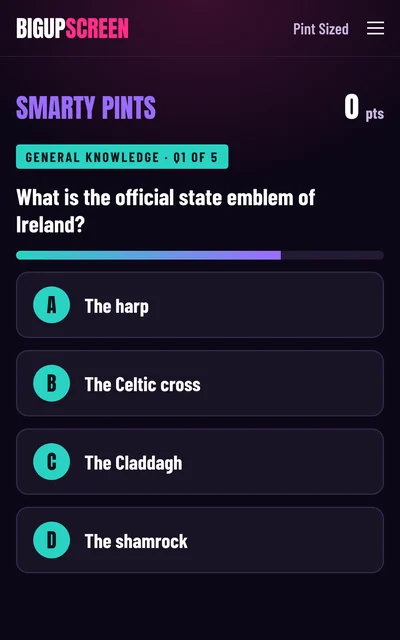
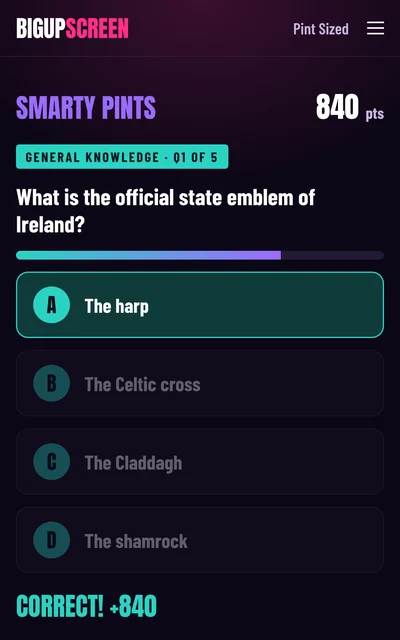
On their phones, if you switch on play-along: they scan the code on screen, pick a name and tap their answer, and a live leaderboard keeps score. Or keep it simple: shout it out, write it down for a table quiz, or type A, B, C or D in your stream chat.
Who checks the quiz questions?
Both of us. Every quiz pack is checked by a person on our team before it reaches you, and question bank rounds are fact-checked too. Anything can still have a mistake, so packs arrive switched off: you read them, switch on what you want, and you choose what goes on screen.
Is it family friendly?
The starter questions are, and a safety filter keeps bad language off the screen. You can add your own blocked words too.
Who writes the quiz packs and show content?
We do. You ask for a quiz pack, news and facts, film trivia or a countdown, and we write it for you and check the facts against sources on the web. A person on our team then checks it before it reaches you. BigUpScreen can also read your menu from a photo, or your showtimes from your booking system, straight away.
Can the shows carry my own brand?
Yes, on any paid plan: your name or logo, your colours and your fonts, on every show and on the play-along page. Upload your logo and we pick up its colours, or give us your website and we read your colours and fonts.
Can I change how the shows look beyond colours?
Yes. Pick a look, like waves, angles, rings or soft shapes, and it’s drawn in your colours. Or download our free Photoshop templates for landscape and portrait TVs, design your own frame around the safe zones, and upload it as a transparent PNG.
Can I use my own pictures and music?
Yes, as long as you have the right to use them. For music, use royalty-free tracks or music you’re licensed to play in public.
Can I cancel?
Any time. Your plan runs to the end of the period you’ve paid for, then your shows pause. You can also delete your account and everything in it yourself, from the account page.
Are you connected to the brands, games, films and artists on screen?
No. BigUpScreen is independent and isn’t affiliated with or endorsed by the companies, publishers, studios, labels or artists whose names appear in quizzes or countdowns, or with any club or league. Live scores, weather, local events and news come from their providers’ public data, and each one is credited on screen.
Talk to us.
Questions, a venue with ten TVs, or something you’d like it to do. A real person in Dublin replies within one working day.
Fill in the form, pick “Join the beta”, and tell us about your place and how many TVs you have. We’ll set up your account and shows for you. No card, no contract.
Join the betaOr email us directly
[email protected]Based in Dublin, Ireland.
Made in Ireland.
Designed and built in Dublin, for the way Irish pubs, shops, hotels and offices work. Prices in euro, and help from a real person in Dublin when you need it.